What is Emplyr, and why use it with Microsoft Fabric?
Emplyr is a Microsoft Fabric accelerator and management platform. It combines a metadata-driven data framework, customer and workspace administration, and governed Power BI reporting. Optional operational workflows extend the platform from insight into structured work. Fabric supplies the underlying data platform; Emplyr adds a repeatable way to implement, manage and experience it.
Understand accounts, instances, profiles and modules →
How does Emplyr accelerate a Fabric implementation?
Emplyr reuses source-handling patterns, data layers, governed business identities and semantic measures rather than rebuilding every component for each customer. Configuration handles supported differences; unique requirements may still need controlled extensions. The degree of acceleration depends on source readiness, solution scope and how much is covered by reusable patterns. Custom business rules and reporting still require thoughtful design.
Do all report viewers still need Power BI Pro?
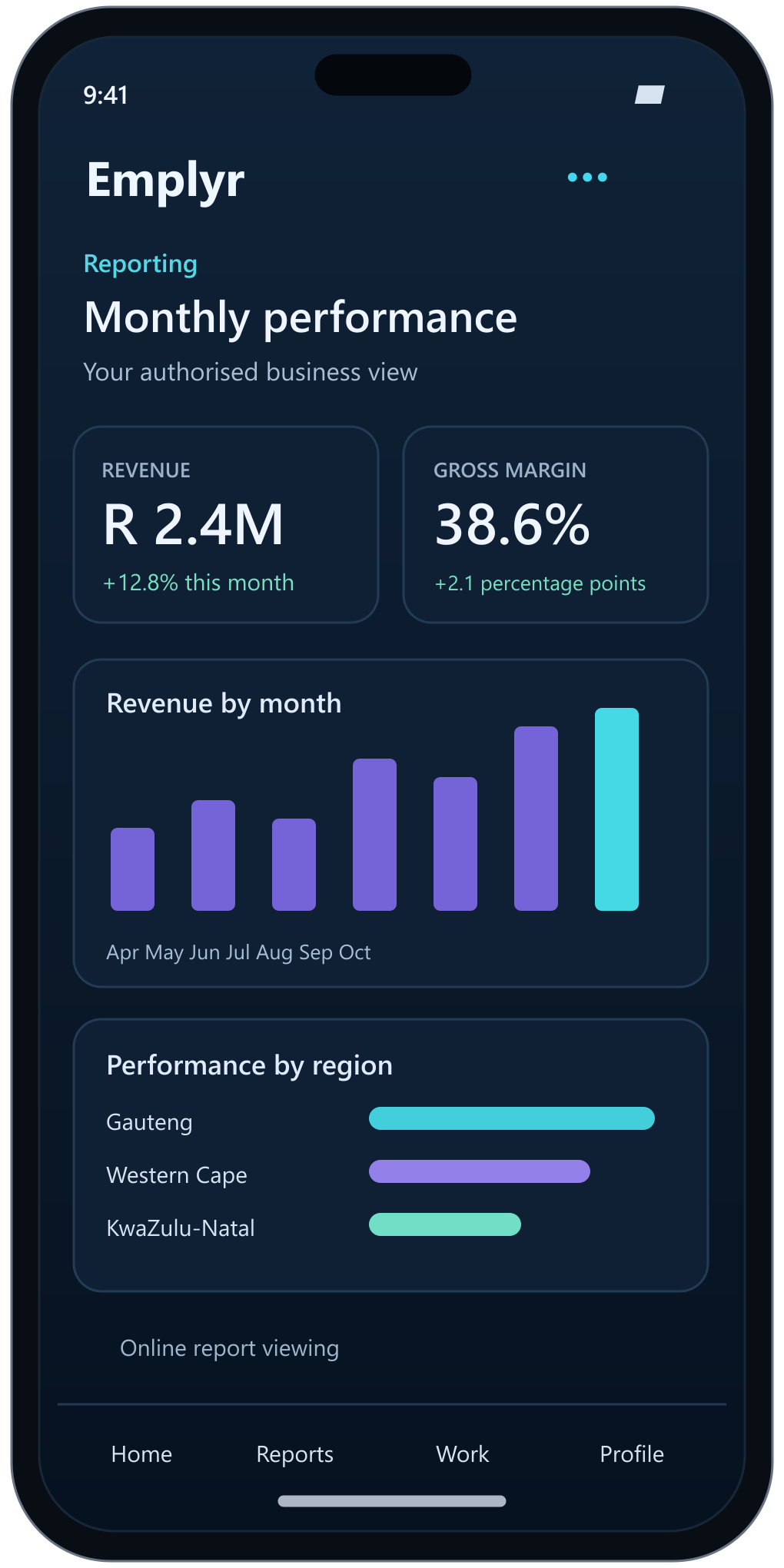
Not in an eligible app-owns-data embedded deployment: those app viewers do not need individual Power BI licences. That differs from user-owns-data embedding and normal Power BI service access, where Microsoft’s licence and capacity rules apply. Emplyr’s no-per-user platform fee does not remove authoring requirements, capacity costs or workload limits. See the licensing notes.
Understand embedded reporting and direct Fabric access →
Learn how report access works in Emplyr →
What does daily Fabric consumption billing mean?
Emplyr assesses usage daily under its managed-capacity offer, with reservation-based pricing rather than one fixed monthly SKU assumption. Agreed commercial terms define the billable unit, minimums and inclusions. Daily usage assessment is distinct from invoice frequency and does not change the underlying Microsoft Azure reservation commitments.
Understand usage, daily charges and billing evidence →
Can partners, CSPs and distributors manage multiple customers?
Emplyr brings own, customer and partner capacity into a central management model, alongside customer-specific profiles, workspaces, users, reporting models and branding. The supported hierarchy and delegated permissions are configured for the relevant deployment.
Explore instances and the Admin Portal →
Review billing across your administered instances →
Can we use Copilot, Teams or ChatGPT with our business data?
Emplyr prepares the governed data foundation for business questions through supported Copilot and data-agent integrations. Each client requires a supported integration, authentication, permissions, tenant settings and licences. The interactive answer on this page illustrates a proposed experience for inspecting the report, calculation and source records; it is not a live product connection.
Does mobile reporting work offline?
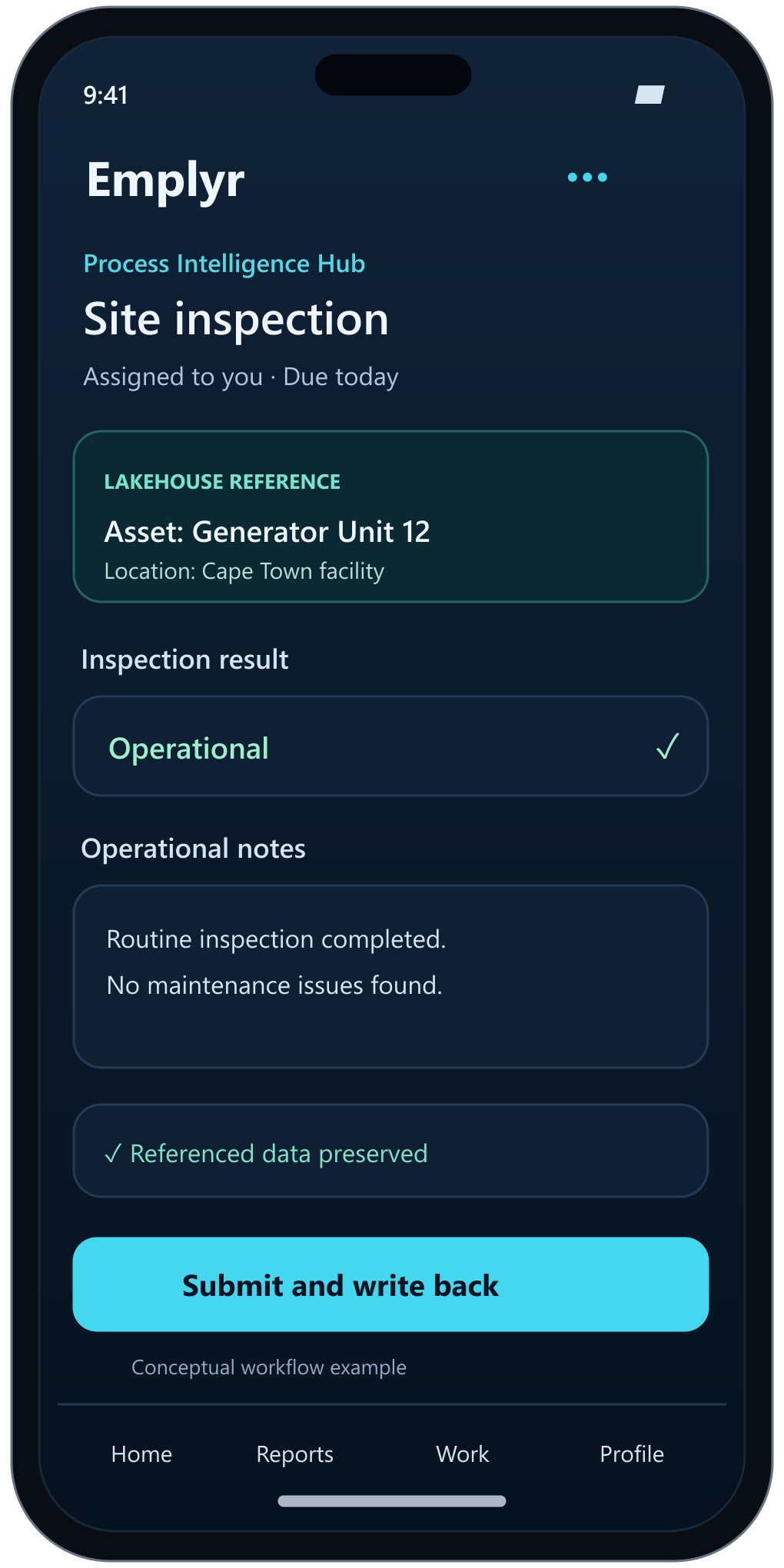
Power BI report consumption remains online. The optional Process Intelligence Hub supports offline participation for selected configured process content, such as downloaded assignments or forms, with synchronisation after connectivity returns. Those are different capabilities and should not be described as offline Power BI.
Prepare Android processes and assignments for offline use →
Is Emplyr a replacement for Microsoft Fabric or Power BI?
No. Emplyr works with Microsoft Fabric and Power BI. It adds implementation acceleration, governance, administration and a branded experience around them. Capacity, Microsoft licensing and customer-specific source readiness remain part of the overall solution.
See how Emplyr connects to Fabric and workspace access →