 Emplyr
Profiles, people & access · Roles, permissions and navigation
How to create and manage role templates
Prepare reusable permission starting points for profile roles.
On this page
Before you start
- Use an Admin membership in the intended instance. Agree which common job responsibilities the template should cover.
Follow these steps
Screenshots use fictional training data. Names, dates and amounts are examples. Select an image to view it at full size.
- Select Admin / Global in Context, then open Roles. This instance screen is titled Role templates.
- Select Create template. Enter Template name and an optional Description.
- In Modules and features, choose the permission set to reuse. Review sensitive actions such as user/role edits, publishing, integrations and Fabric Access.
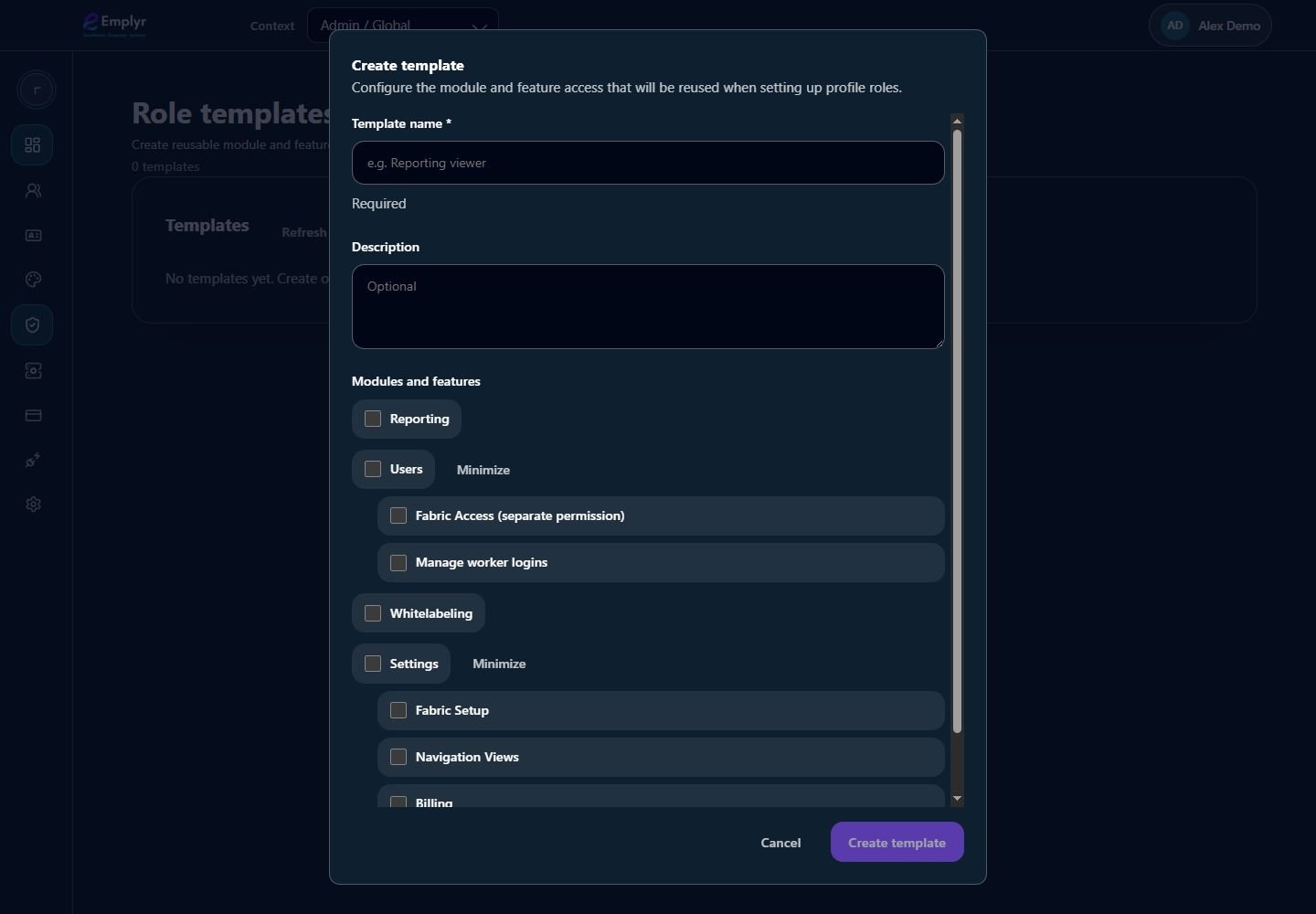
A role template supplies reusable module and feature choices. Check the resulting role in each intended profile. - Save the template and confirm it appears in Templates. Use Edit to revise it when the standard job responsibilities change.
- Select a target profile, open Settings → Roles and use the template when creating/configuring a profile role. Review the resulting profile role before assigning members.
- Use Delete only for a template you intend to remove. A template is distinct from an assigned profile role; review existing roles separately when changing access standards.
What you should see
Administrators have a reusable starting point while profile-specific roles remain the assignments used for membership and feature access.
If something goes wrong
A template does not appear as an assignable member role
Create a role inside the profile using the template first.
You changed a template but an existing profile role still differs
Review and update that profile role explicitly. Do not assume all copied roles automatically track template edits.