 Emplyr
Using Emplyr · Sign in, invitations and passwords
How to reset or set up your password
Set up a new email account or recover a forgotten password without signing in first.
On this page
Before you start
- You need access to the mailbox used for your Emplyr account. Worker logins use an administrator-issued reset instead.
Follow these steps
Screenshots use fictional training data. Names, dates and amounts are examples. Select an image to view it at full size.
- For a new account, open your Emplyr invitation/setup email and follow its secure setup link. Existing Emplyr users added to a profile normally keep their current password.
- If you forgot your password or your setup link expired, open your organisation’s Emplyr sign-in page and select Forgot password?.
- Enter your account email and select Send reset link. The confirmation does not disclose whether an account exists for that address.
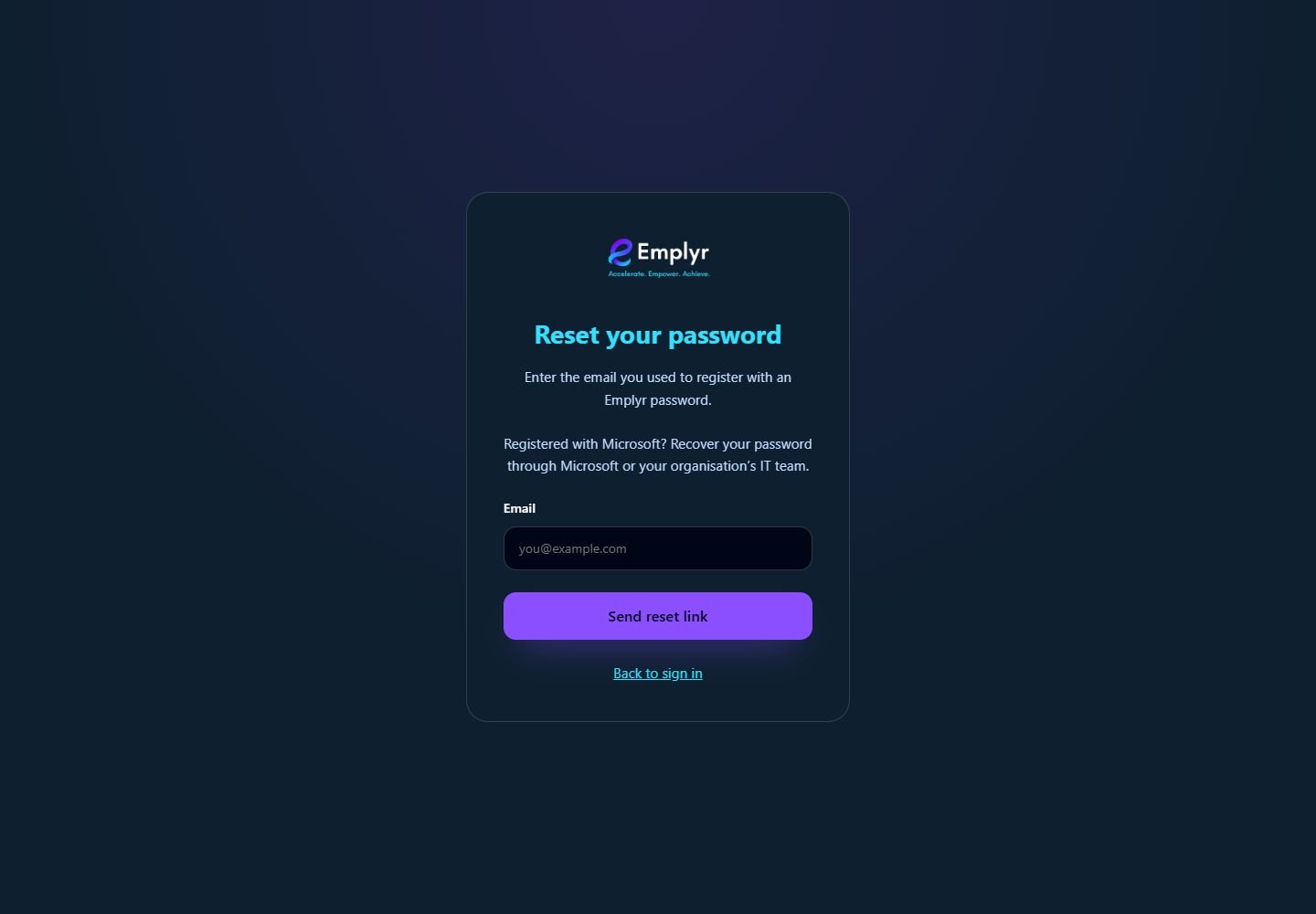
Request the reset using your Emplyr account email. Worker password resets are arranged by a profile administrator. - Open the newest reset email, follow its link and enter a new password of at least eight characters. Enter the same value in Confirm password and select Set password.
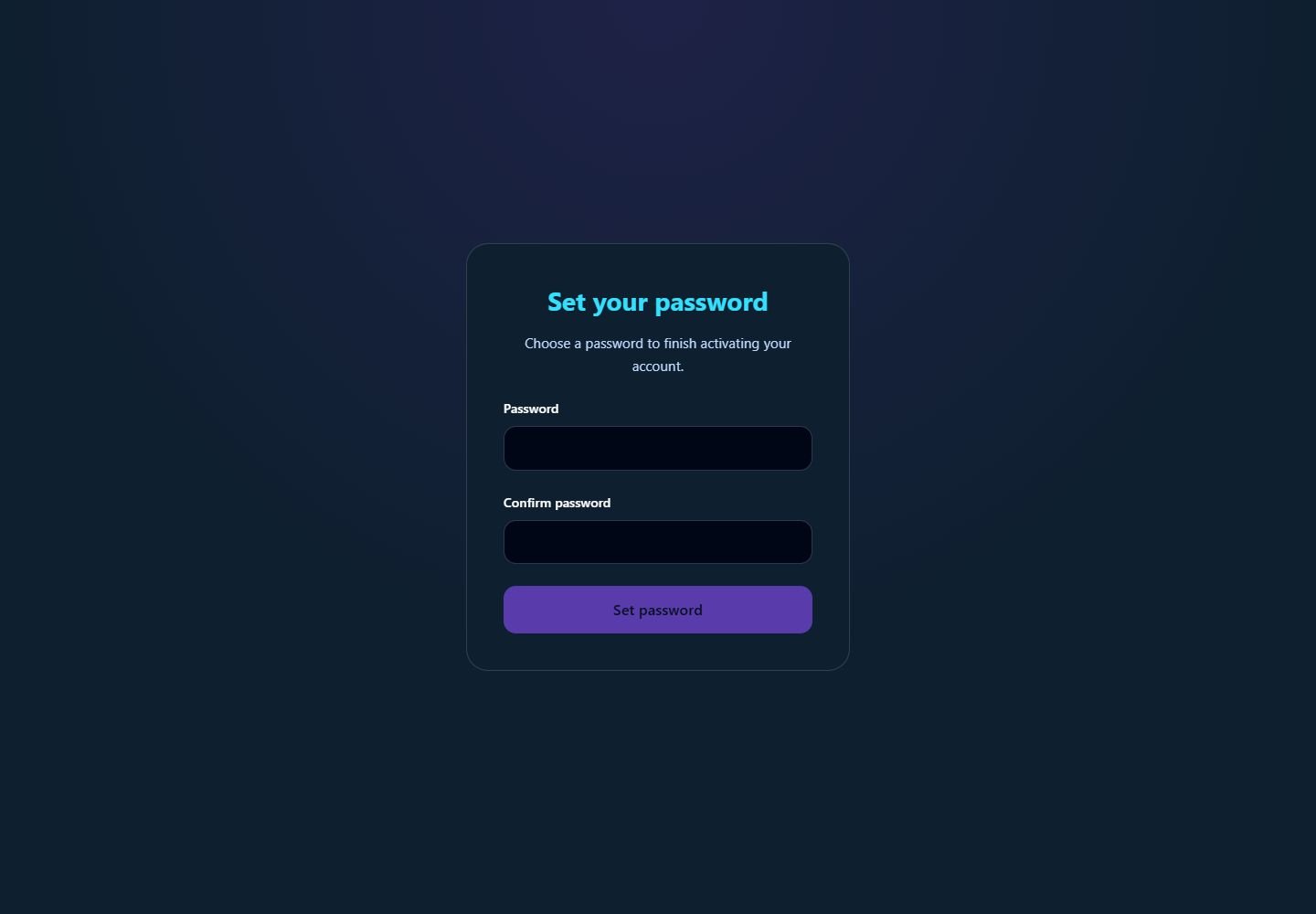
Enter and confirm your own password when the secure account setup or reset flow opens this screen. - Continue to the destination shown by Emplyr. Check the selected instance/profile, or return to your normal sign-in address and use the new password.
What you should see
The password belongs to your global email account, so the new password applies wherever that account has an Emplyr membership.
If something goes wrong
No email arrives
Check junk mail, spelling and the correct instance address. Request one new link and allow time for delivery. Ask an administrator to check membership and email delivery if it still does not arrive.
The link is invalid or expired
Use Forgot password? again and open the newest email. Setup links are not reusable.
An administrator offers to choose your email-account password
Your account owner completes setup/reset through email. Administrators can send the link but cannot assign another person’s global password.